Quote within the hour. Confirm before the next caterer responds.
Catering operations live or die on logistics. Openevent gives you one platform for quoting, confirming, scheduling kitchen and front-of-house, and invoicing, without exporting anything anywhere.
What slows catering teams down
- Offers built in Word, sent as PDFs, lost in inboxes.
- Staffing each event in a separate spreadsheet.
- Suppliers and equipment lists in too many places.
- Invoices rebuilt from scratch after every event.
Built for catering operations
- Beautiful link-based offers with deposit collection.
- Per-event shift planning with documented hours.
- Run-of-show templates that include kitchen and FOH.
- One-click conversion from offer to invoice.
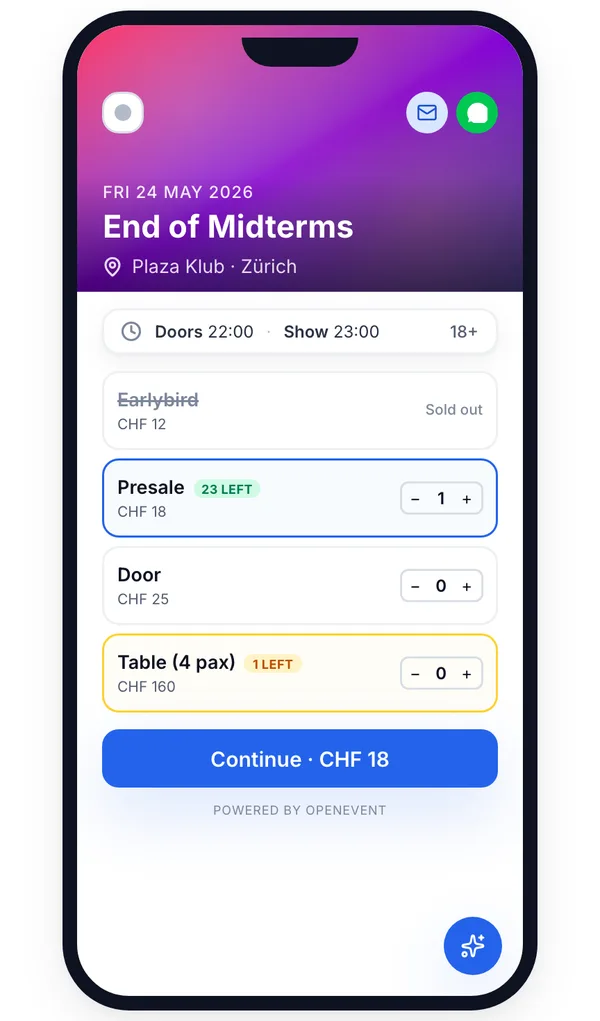
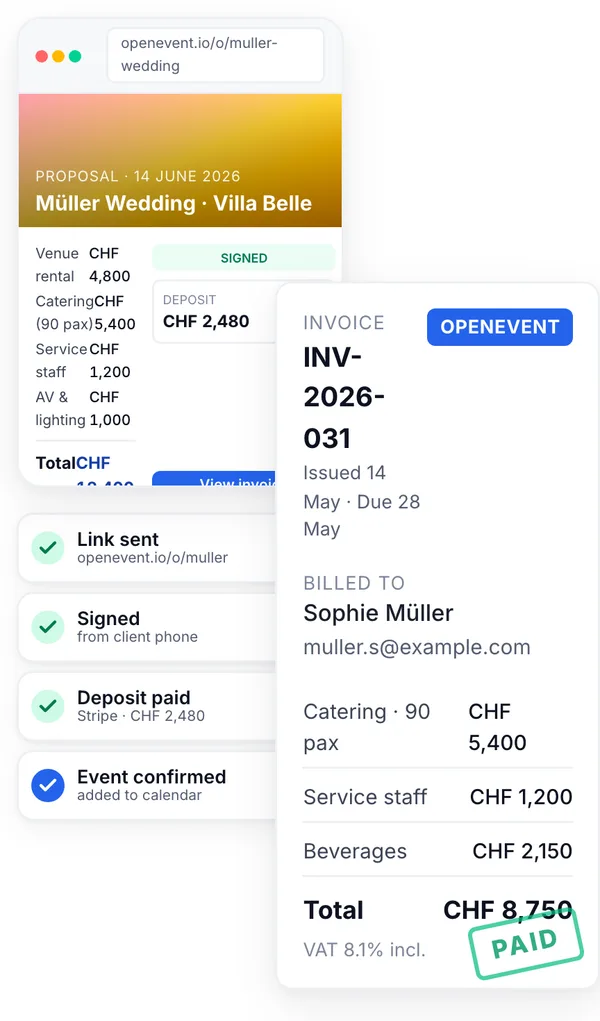
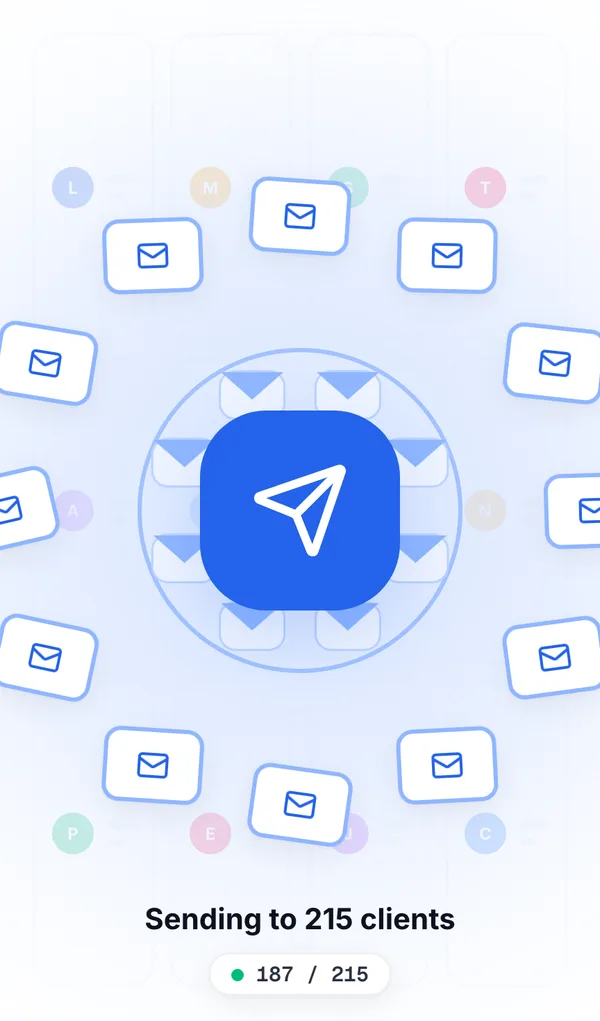
The features that matter most, for your operation.
Standardise menus and pricing, adapt per event in seconds.
Plan kitchen and FOH separately, track hours and pay status.
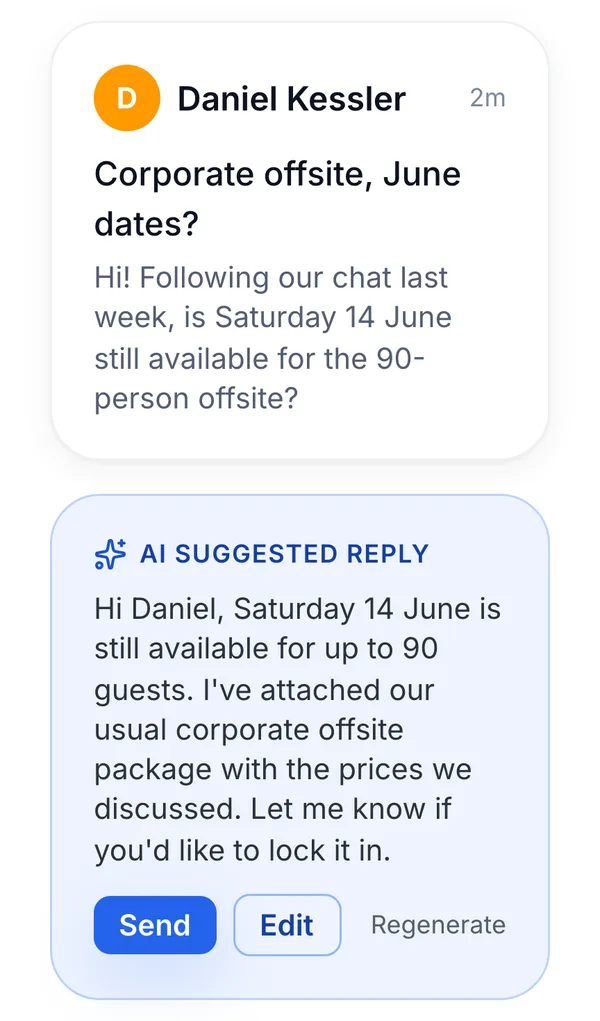
Drafts replies to enquiries with the right packages attached.
On-site team has run-of-show, dietary list and shift details.
Signed offers and paid invoices archived automatically.
Margin per event type, staff cost ratios, repeat-client rate.
Openevent is for the office. Crew App is for the field.
On-site arrival & briefing
Brief the team in-app on arrival, scan guest lists or check in clients by name, and surface dietary notes the moment service starts. Let AI connect every datapoint, from first event to repeat booking.
Explore the Crew app
- Nina StuderVIP21:48
- Lukas M.21:46
Field staff
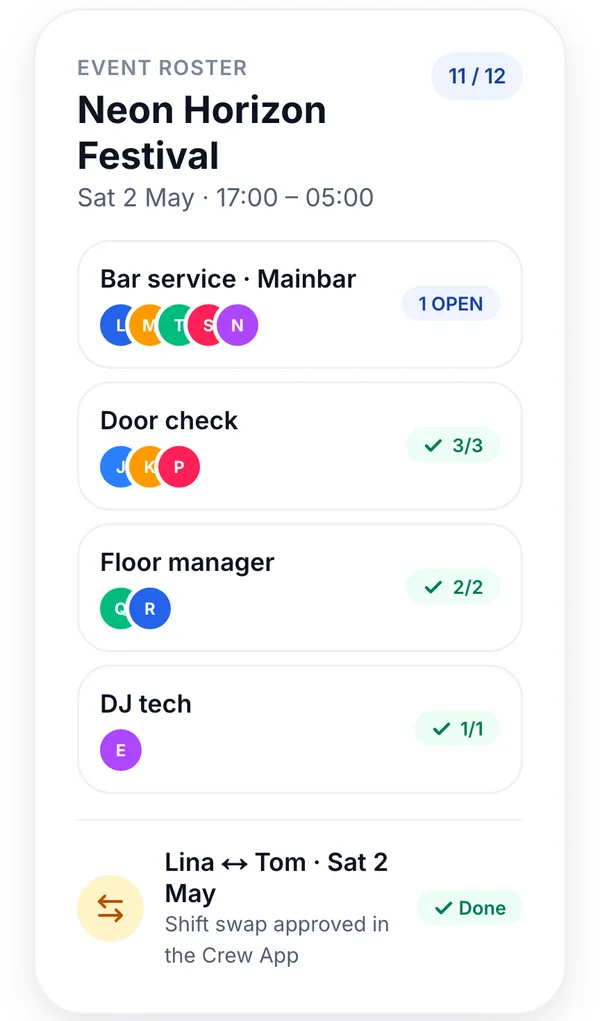
No more 'hobby operations'. Kitchen, FOH and field staff check their shifts, swap with colleagues, and keep an overview of their hours and pay.
Tap to Pay on the truck or bar
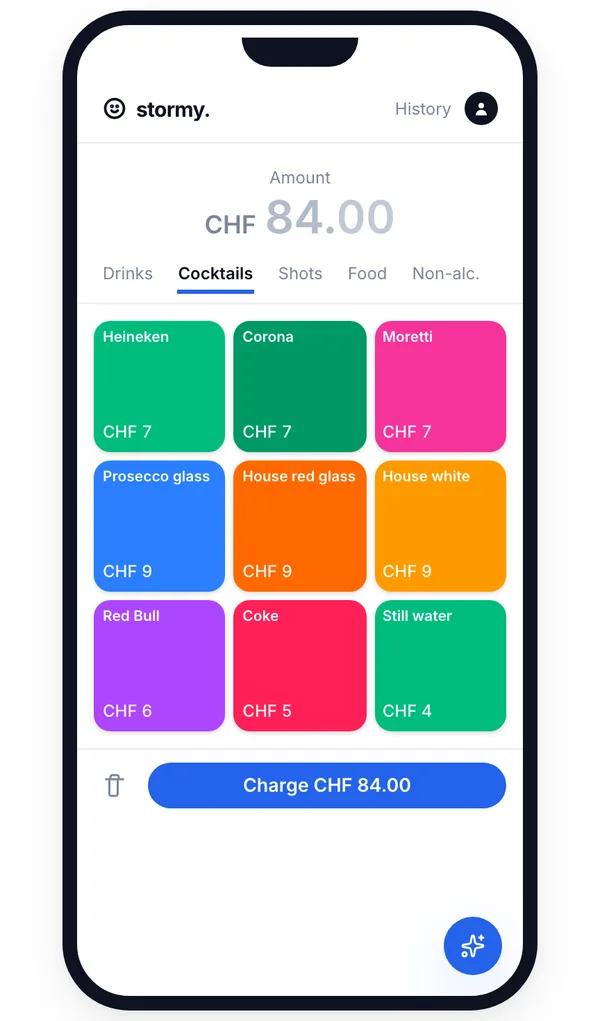
With the Openevent Crew app, every server can accept card payments directly from their iPhone (Android coming soon). Customise menus per outlet, assign staff, and track every sale back to the same Stripe account.
Stay on top of every catering job without the admin overload.
Openevent links offers, headcounts, deposits, staff rosters and documents per event, so your team focuses on the food, not the paperwork.
AI for catering operations.
Quote, contract, invoice. The catering loop, automated.
Plan kitchen and front-of-house on the same event, without the spreadsheet.
- NSDoorNina S. · 20:00 – 04:00CHF 280Paid
- LMBar · MainstageLukas M. · 21:00 – 04:00CHF 245Due
- ?Bar · GardenOpen shift · 21:00 – 04:00CHF 245Open · 3 applied
- DKWardrobeDana K. · 20:00 – 02:00CHF 180Paid
- TBVIP hostTom B. · 22:00 – 04:00CHF 210Due
We never hold your money.
Every payment, offer, invoice or ticket, lands in your Stripe instantly. Not in 14, 21 or 30 days. You stay in control of your cash flow.
Every server in the field is a card-machine.
Open shifts for freelance servers. Swaps handled in-app.
Common questions
- Openevent turns an enquiry into a branded, link-based offer with deposit collection in minutes, the AI drafts the reply with the right package attached, you approve, the client clicks, pays the deposit, and the date is held. The same offer converts to invoice in one click, so you never re-key anything.
- Yes. Every event in Openevent shows revenue, food cost, staff cost (kitchen and FOH separately, with documented hours) and net margin. You also get reports on margin per event type, staff cost ratio and repeat-client rate, so you know which jobs are actually worth taking.
- Yes. Run-of-show templates split into a kitchen view (menu, allergens, prep times, pass schedule) and an FOH view (floor plan notes, service flow, guest details). The Crew App on each phone shows only the slice that person needs for their shift.
- Allergen and dietary notes captured on the enquiry form attach to the guest list, flow into the run sheet, and appear in the Crew App as a dedicated dietary list on the shift. Nothing is re-keyed between sales and kitchen, which is where most incidents originate.
- Yes. Each event has per-event shift planning with separate kitchen and FOH blocks, documented hours, individual rates (employees and subcontracted staff side by side) and overtime tracking. Labor cost rolls straight into the event's margin report.
- Link-based offers collect a deposit at signature with your cancellation terms attached. If the headcount moves before your cut-off, the offer and invoice update together and the deposit is automatically credited against the final balance, so you never overcharge or under-bill.
- Yes, Openevent supports separate invoices on a single event (for example bar to the venue, food and staff to the corporate client), each with its own payment terms, deposit and PDF. Payment fees are a flat 1%* on what's processed through Openevent; Stripe fees are separate.
- The AI drafts using your own packages, your tone and your pricing, and nothing goes out until you press send. It's a writing assistant that attaches the right menu and proposal in seconds, not an autopilot. For high-value enquiries you can switch it off entirely.
- Yes. Each event keeps its own calendar slot, run sheet, staff and equipment, so multiple jobs on the same day at different addresses stay clear and separate, and the shared calendar shows your whole day at a glance, who's where, and what's still unstaffed.
- Yes. Save your packages and menus as templates, then drop the right one into an offer and adjust it per client, so a quote that used to take an afternoon goes out in minutes without losing your standard pricing.
One software for everything.
Connects with





Every event feels one-of-a-kind, yet the work behind it often follows the same patterns. We at Openevent are building an AI that recognises those patterns, adapts to your venue, and supports you as your digital event manager at every step.

Try Openevent For Free
The all-in-one platform built for catering, quote, confirm, schedule, invoice. Free to register · 1%* only on processed payments.